Monthly bill calendar
Every bill on its due date, with ticks for autopay and paid.
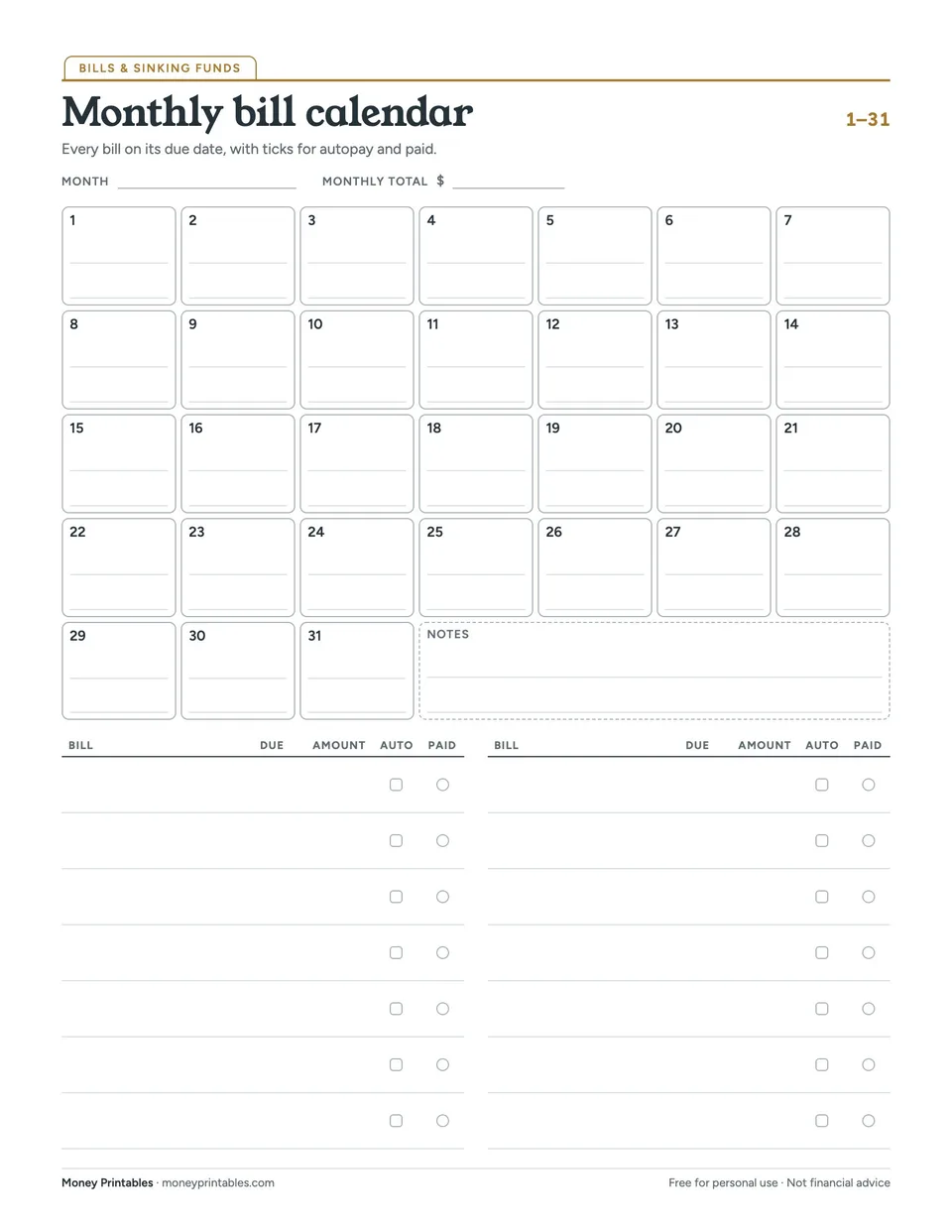
Late fees usually come from forgetting, not from not having the money. A bill calendar puts every due date where you can see it. Days are numbered 1 to 31 rather than tied to a month, so the same sheet works every month.
Below the calendar is a bill list with ticks for autopay and paid, and a total for the month.
How it works
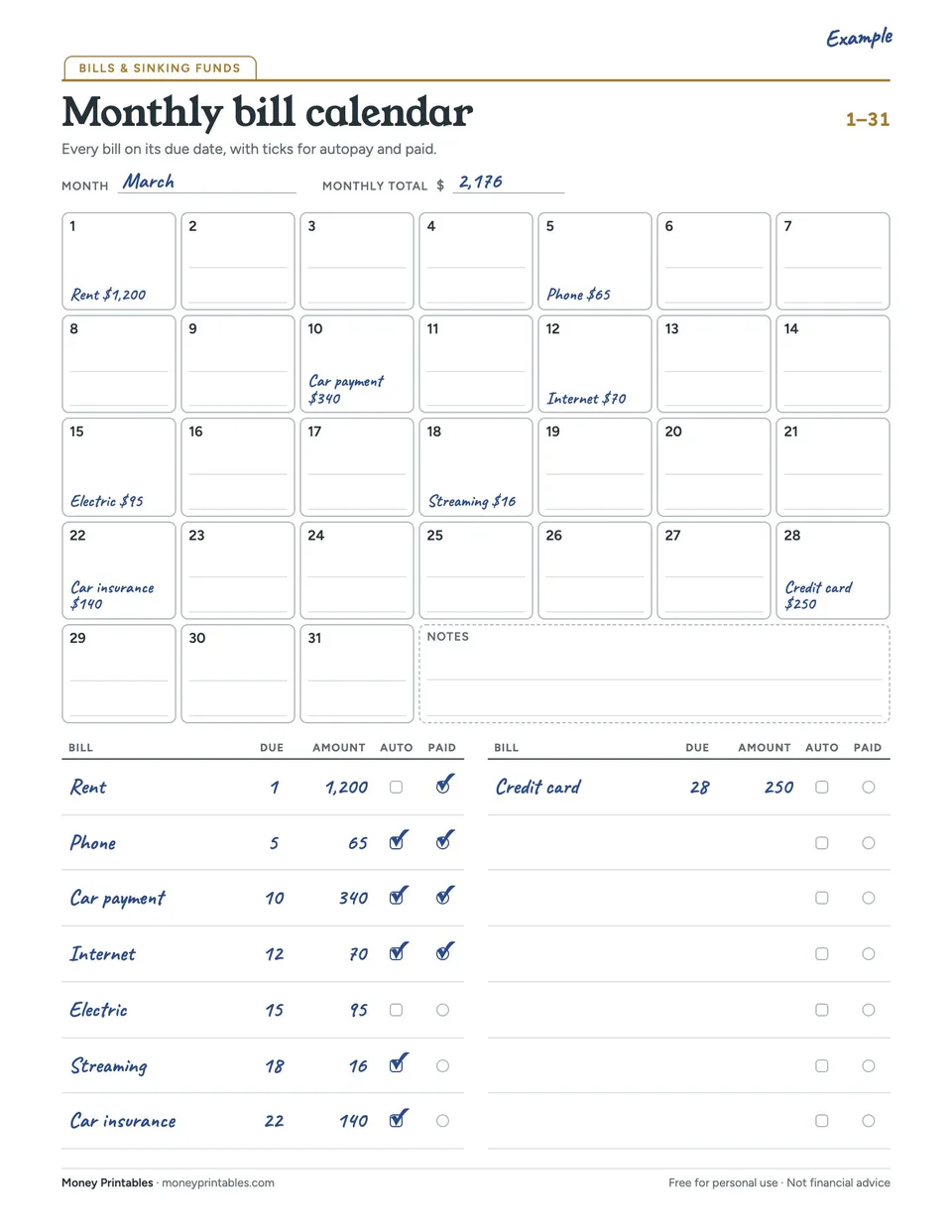
The calendar is numbered 1 to 31 instead of being tied to a month, so it works every month. Write each bill on its due date, then use the list below to tick autopay and paid. The monthly total shows what your bills cost.
How to use it
- List every regular bill in the table with its due day and amount.
- Write each one on its day in the calendar.
- Tick autopay for bills that pay themselves, and tick paid for the rest as you go.
Ways to use it
- Color-code by paycheck: highlight bills paid from each check.
- Add annual bills, like car registration, in the notes box for the month they are due.
- Keep each month’s sheet to spot price increases.
Tips
- Bills that land in the same week as rent are worth moving. Most companies let you change a due date.
- Keep last month’s sheet to check for price increases.
Questions
How do I keep track of my bills?
List every bill once with its due date and amount, put them on a calendar, and tick them off as you pay. Autopay helps, but still check that each one went through.
Why is this calendar numbered 1 to 31?
So you can reuse it every month. Most bills are due on the same date each month.
What if two big bills land in the same week?
Ask one company to move its due date. Many will, and it makes paycheck planning easier.
Goes well with
- Biweekly paycheck budget Which bills come out of which paycheck, on one page.
- Subscription audit Every subscription, its yearly cost, and whether to keep, pause or cancel.
More bills & sinking funds
This printable is a general planning tool, not financial advice. Read the full disclaimer.